Railway Instructions
Note: These instructions replace the use of Heroku or any other database provider. Follow these instructions as an alternative to the Heroku instructions in the course.
Background
Since Heroku has deprecated its free resources, Railway can be used as an alternative. Follow the instructions below to setup a PostgreSQL database to use with the Spotify application.
Setup Instructions
- Visit https://railway.app/ and click Login to create an account
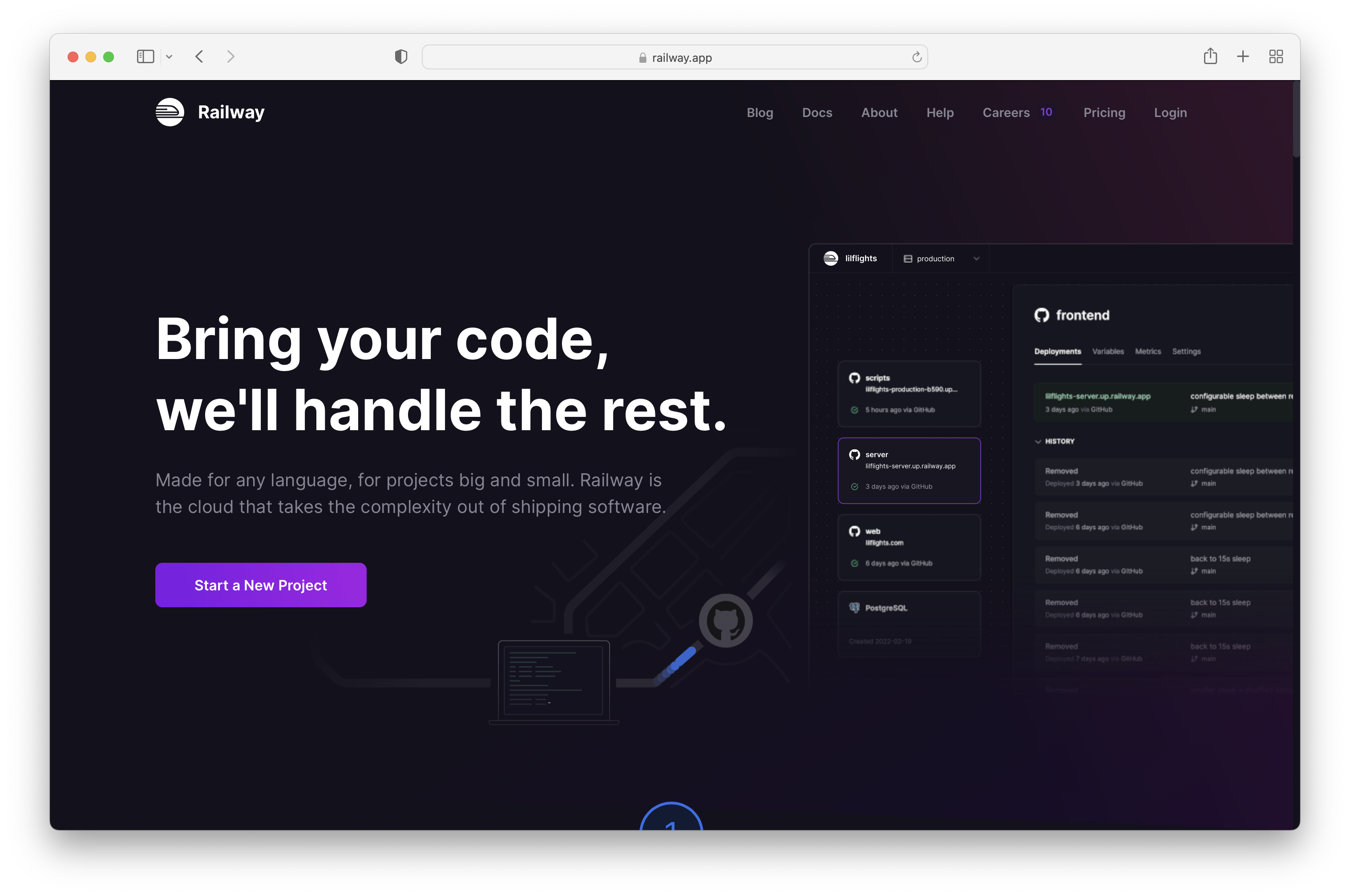
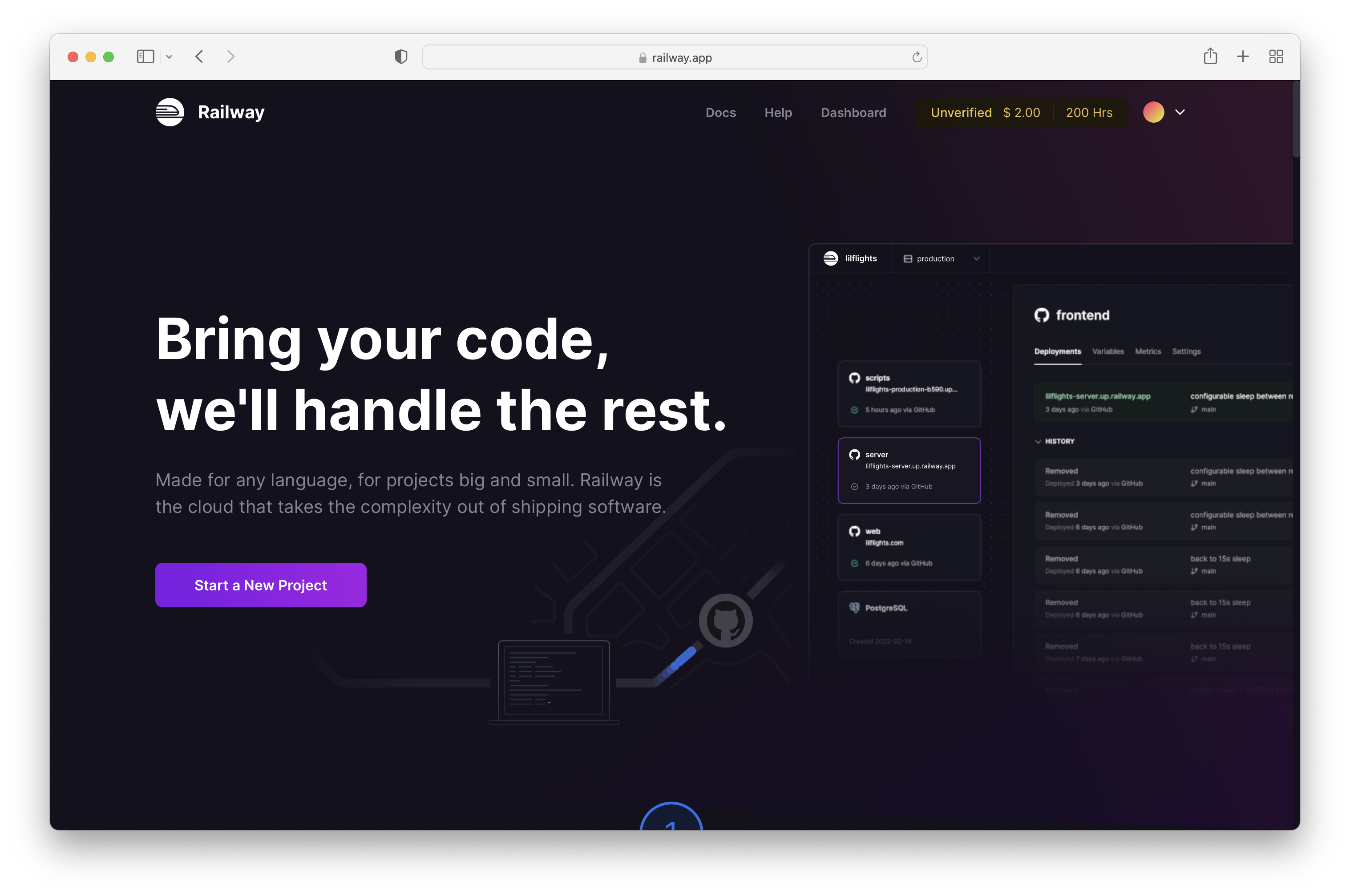
After logging in, click Start a New Project.
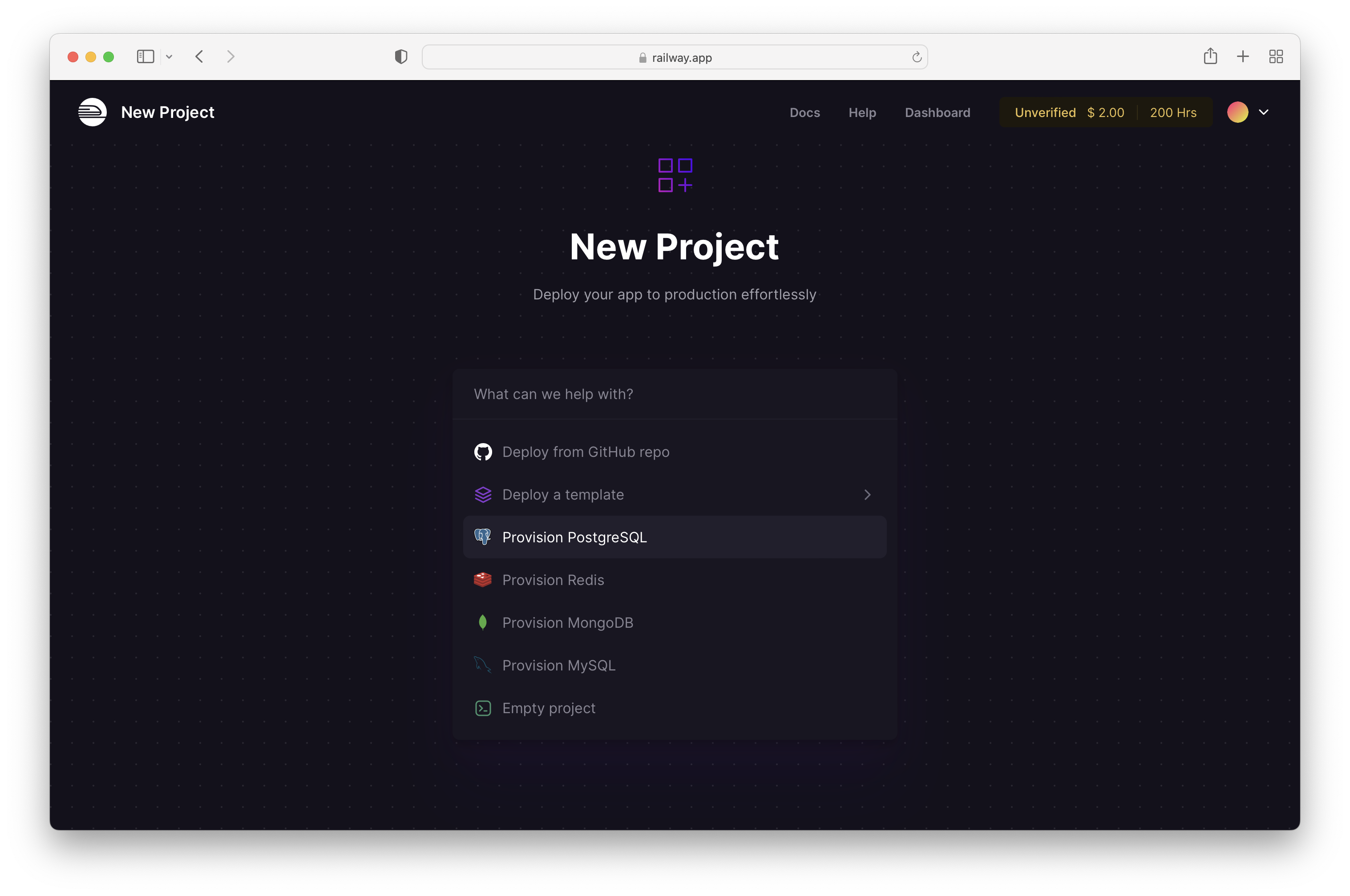
Click Provision PostgreSQL
Once the PostgreSQL Database is provisioned, select the instance and click on Connect to view the connection details
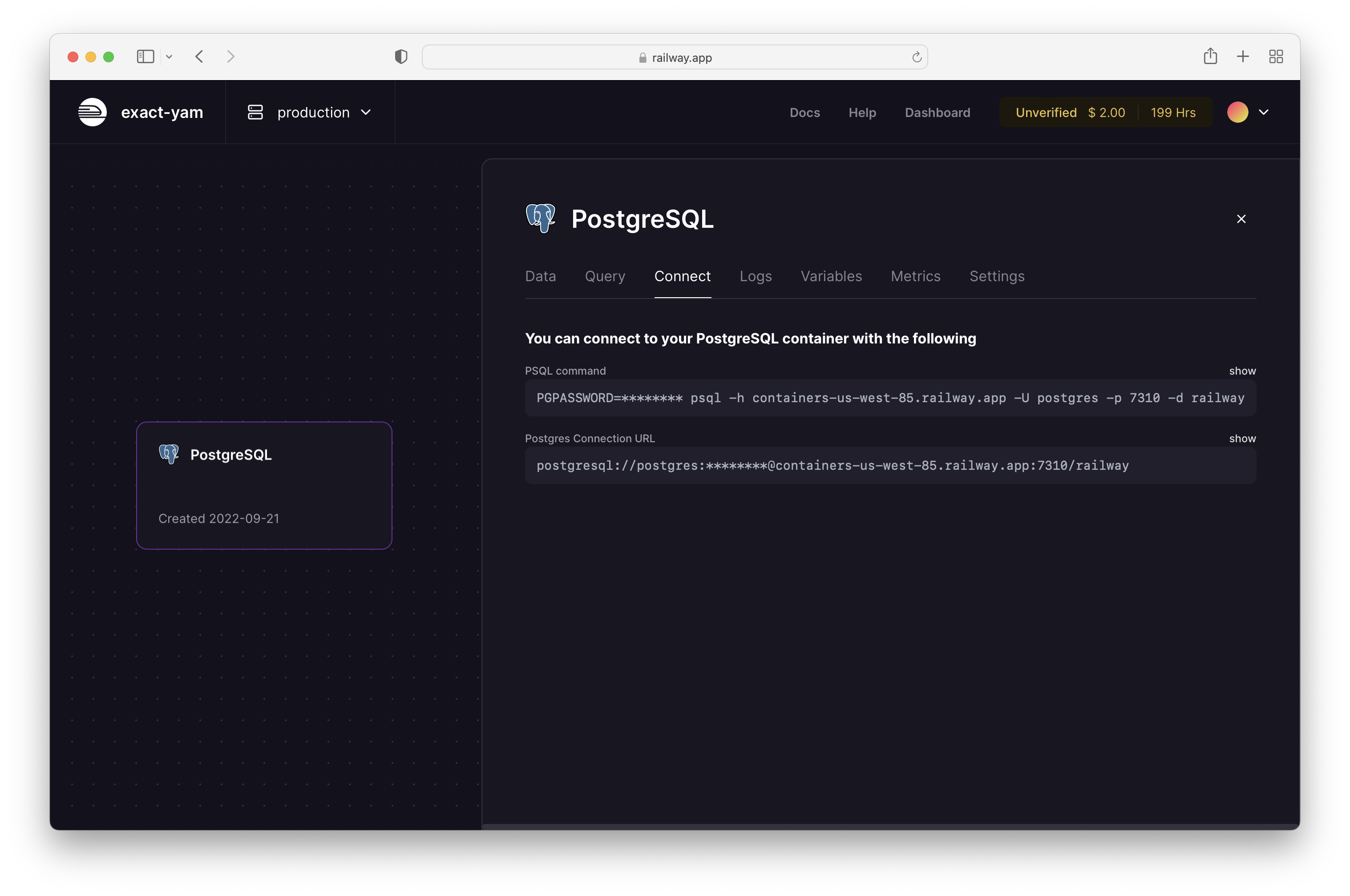
Use the Postgres Connection URL in your .env file.